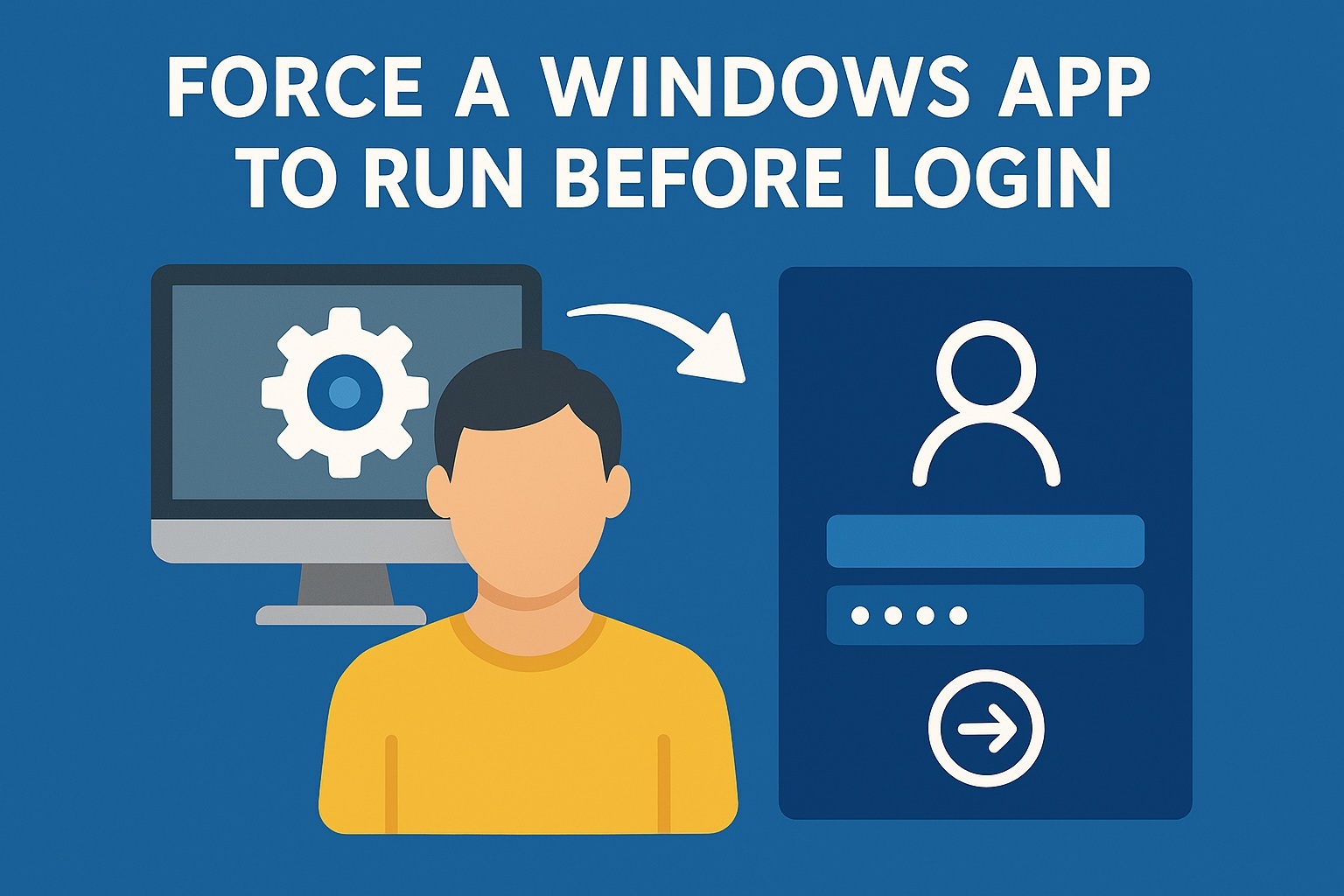
To force a Windows app to run before login, you generally need to convert it into a Windows Service or use specific shutdown/startup commands, as standard startup folders run after login; for apps that don’t need the user logged in, use Task Scheduler with SYSTEM account or a Startup Script; if it’s a user-facing app, set up automatic login via netplwiz and then use standard startup methods, or create a batch/PowerShell script that runs at system boot before user logon.
Continue reading “Force a Windows app to run before login”How to open links in Microsoft Teams in a different web browser
Sumary
- Open Settings in Microsoft Teams
- Go to Files and links
- Update the Always open links in value to either your default browser (configured on your Microsoft Windows) or Microsoft Edge
PDF – Free tools to work with PDF online

iLovePDF is an all‑in‑one online platform designed to simplify PDF management by offering a wide range of easy‑to‑use tools for editing, converting, organizing, and securing PDF files. Users can merge, split, compress, rotate, unlock, and protect PDFs with just a few clicks, as well as convert between PDF and popular formats such as Word, PowerPoint, Excel, JPG, and HTML. The platform also includes advanced capabilities like OCR for turning scanned documents into searchable text, PDF repair, adding watermarks or page numbers, comparing file versions side‑by‑side, and digitally signing documents. With its comprehensive feature set, iLovePDF provides a fast, accessible, and user‑friendly solution for handling virtually any PDF task directly from the browser.

Free and easy-to-use online PDF tools that make you more productive.
PDF24 offers you a collection of tools that you can use to work productively with PDFs and other files. The PDF24 tools leave nothing to be desired. There is hardly anything in the PDF area that you cannot do with PDF24.
Enable Remote Desktop Protocol Connections (RDP) in Windows 8.1 or 10 Home
The RDP (Remote Desktop Protocol Connection) is not a feature of Home Edition. It is only enabled on Microsoft Windows 8.1 or 10 Professional or superior. But you can enable it with a third party application that is very easy to install.
Continue reading “Enable Remote Desktop Protocol Connections (RDP) in Windows 8.1 or 10 Home”